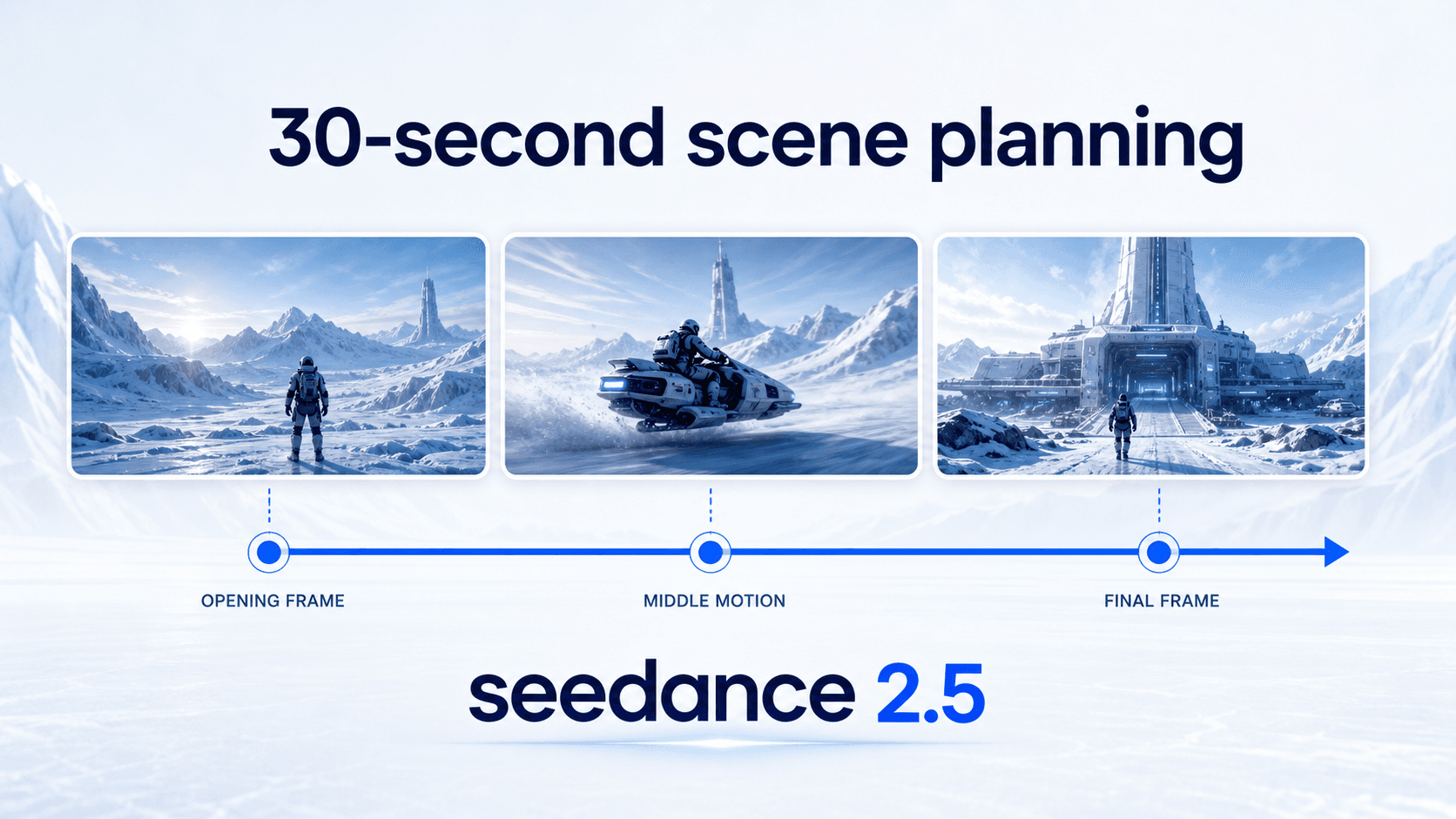
30-second scene planning
Treat the clip as a complete beat. Outline the opening, the movement through the middle, and the final image before you generate. This helps seedance 2.5 turn a prompt into a scene with pace instead of a loose visual loop.
 seedance 2.5
AI video workspace
seedance 2.5 is for creators who want more than a five-second experiment. Start with a written scene, add an image when it helps define the subject, choose the format, then review the generated clip in the same workspace. The page is built around practical video making: prompts with a beginning and ending, references that keep the look steady, and controls that make every attempt easier to judge.
Use it for product teasers, social ads, cinematic concepts, explainers, and story tests where motion, framing, and continuity matter. The goal is simple: give your idea enough direction before generation, then inspect the result with a clear standard before you download or share it.
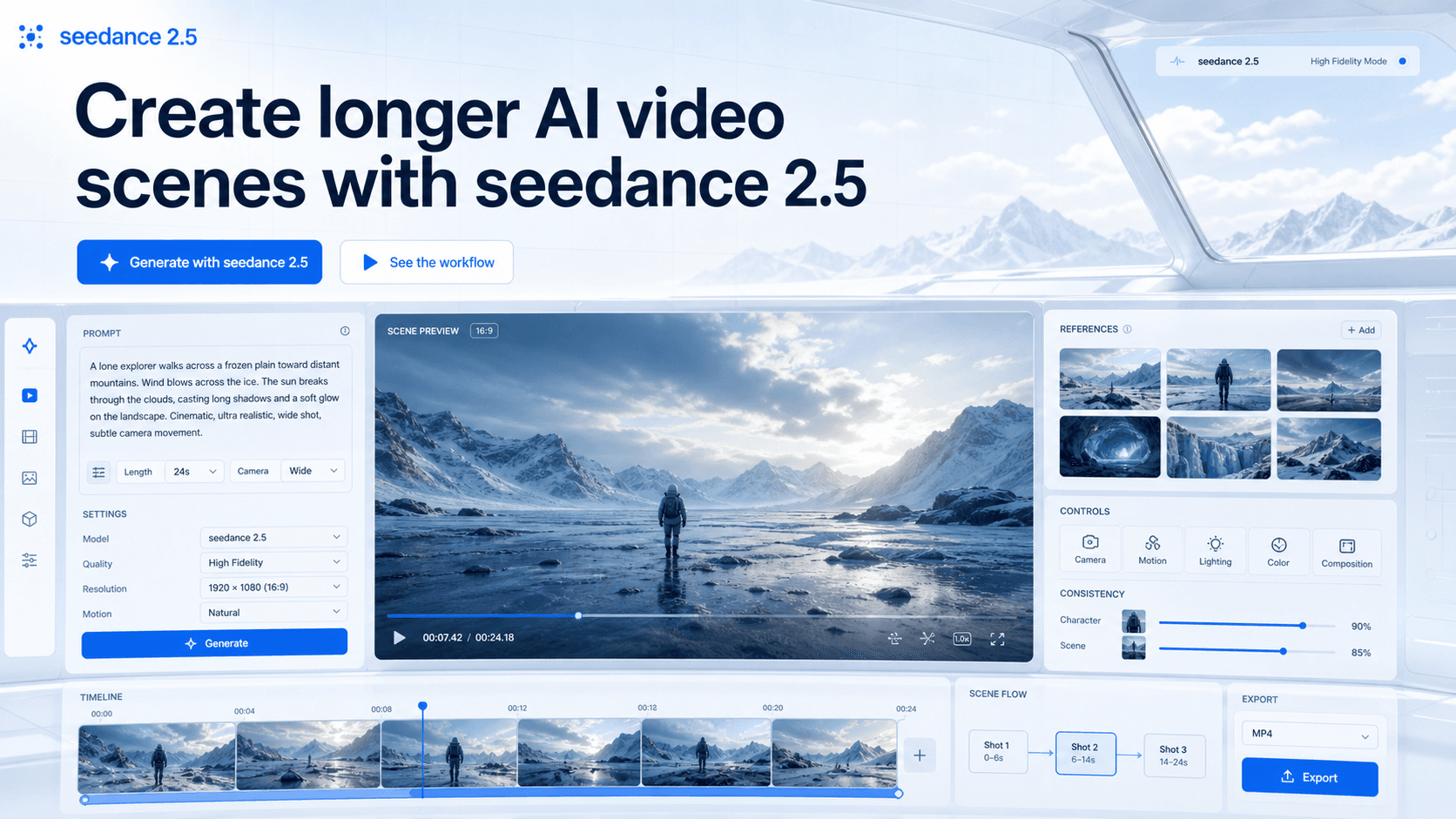
The generator starts with the part that matters most: the scene brief. Write the subject, action, environment, lighting, camera movement, and mood in one place so seedance 2.5 has a clearer direction. If a still image defines the product, character, or composition better than words, add it as the starting frame and use the ending frame option when the final pose also matters.
Format controls help you match the clip to the channel before you generate. Choose a wide, vertical, square, or cinematic aspect ratio, select a practical resolution, set the duration, and decide whether the shot should keep audio or hold the camera steady. The preview area then becomes the review room: watch the demo, follow progress, compare finished clips in history, download the result, or share a completed task when it is ready.
The workspace is useful because each choice stays visible while you work. You can keep the prompt beside the preview, check the reference image against the moving frame, and compare recent attempts without rebuilding the idea from memory. That makes seedance 2.5 feel less like a single button and more like a repeatable creative desk.
Good output starts with a complete brief and a review standard.
Open the generatorLonger AI video changes the writing job. A short loop can survive on a punchy phrase, but a longer clip needs a small story: what appears first, what changes, where the camera moves, and how the scene should end. seedance 2.5 is strongest when the prompt describes that arc instead of listing disconnected visual keywords.
References make that arc easier to hold. A product photo can protect shape and material. A character image can guide wardrobe and identity. A palette reference can keep the color grade from drifting. The creator still needs to review the result, but the brief begins with more evidence and less guesswork. That is the difference between asking for a generic moving image and directing a video draft with a visible target.
The strongest results usually come from treating the first draft as direction, not perfection. A clip may reveal that the camera move is too busy, the subject needs a clearer entrance, or the ending frame should hold longer. Those observations become the next prompt, which keeps the work practical instead of random.
Write for continuity: subject, motion, camera, mood, and ending.
These features are written as creation habits, not abstract model claims. Each one helps you give seedance 2.5 a clearer job and judge the output with less confusion.
Use the list as a checklist before each generation. If the brief already has a scene arc, a useful reference, a clear starting point, motion direction, a review plan, and one refinement target, the next result is easier to understand even when it still needs another pass.
Treat the clip as a complete beat. Outline the opening, the movement through the middle, and the final image before you generate. This helps seedance 2.5 turn a prompt into a scene with pace instead of a loose visual loop.
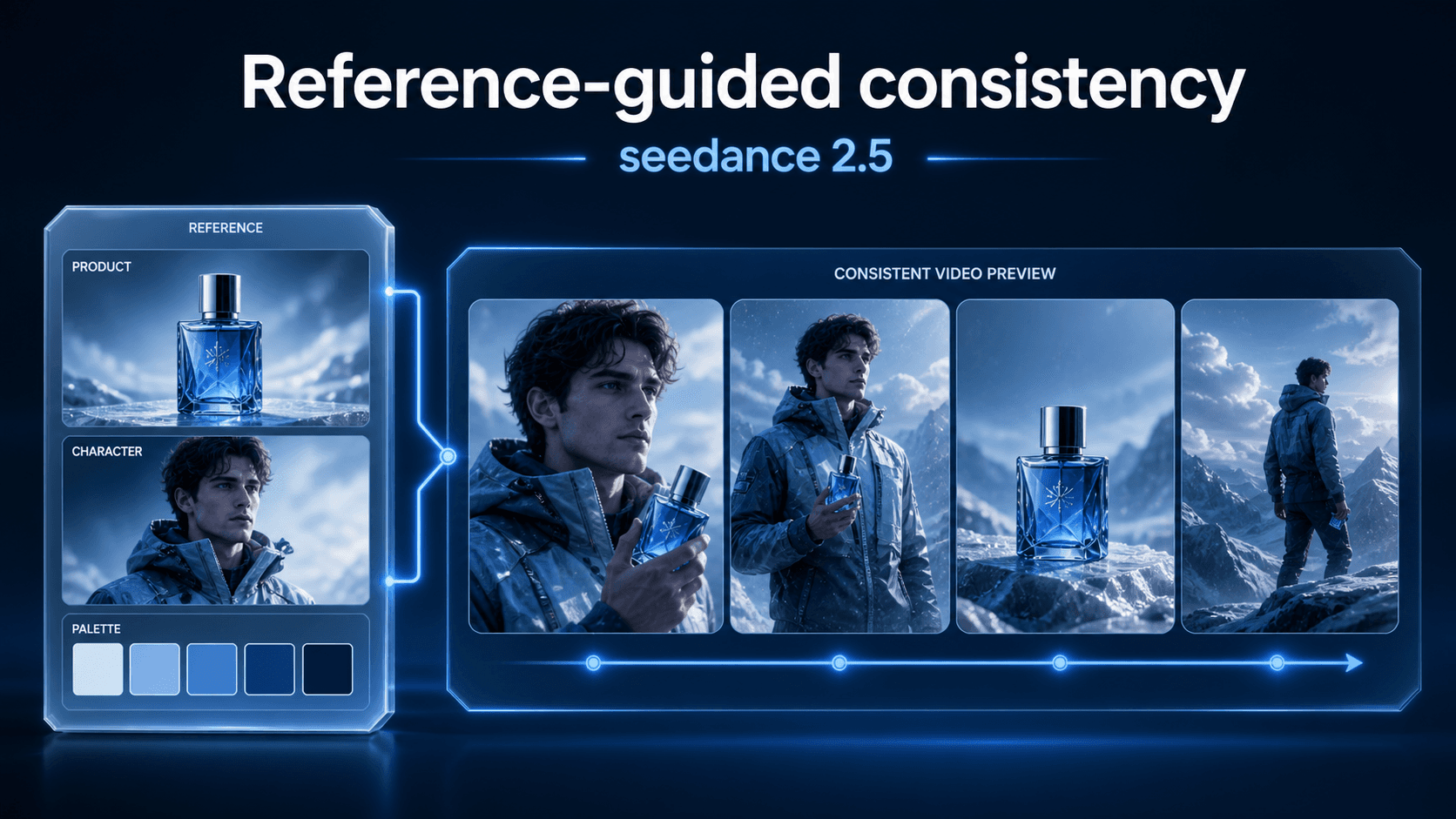
Use image references to define the subject, product, palette, or environment. References give the generator a visual target, which is especially useful when the same object or character needs to stay recognizable through motion.
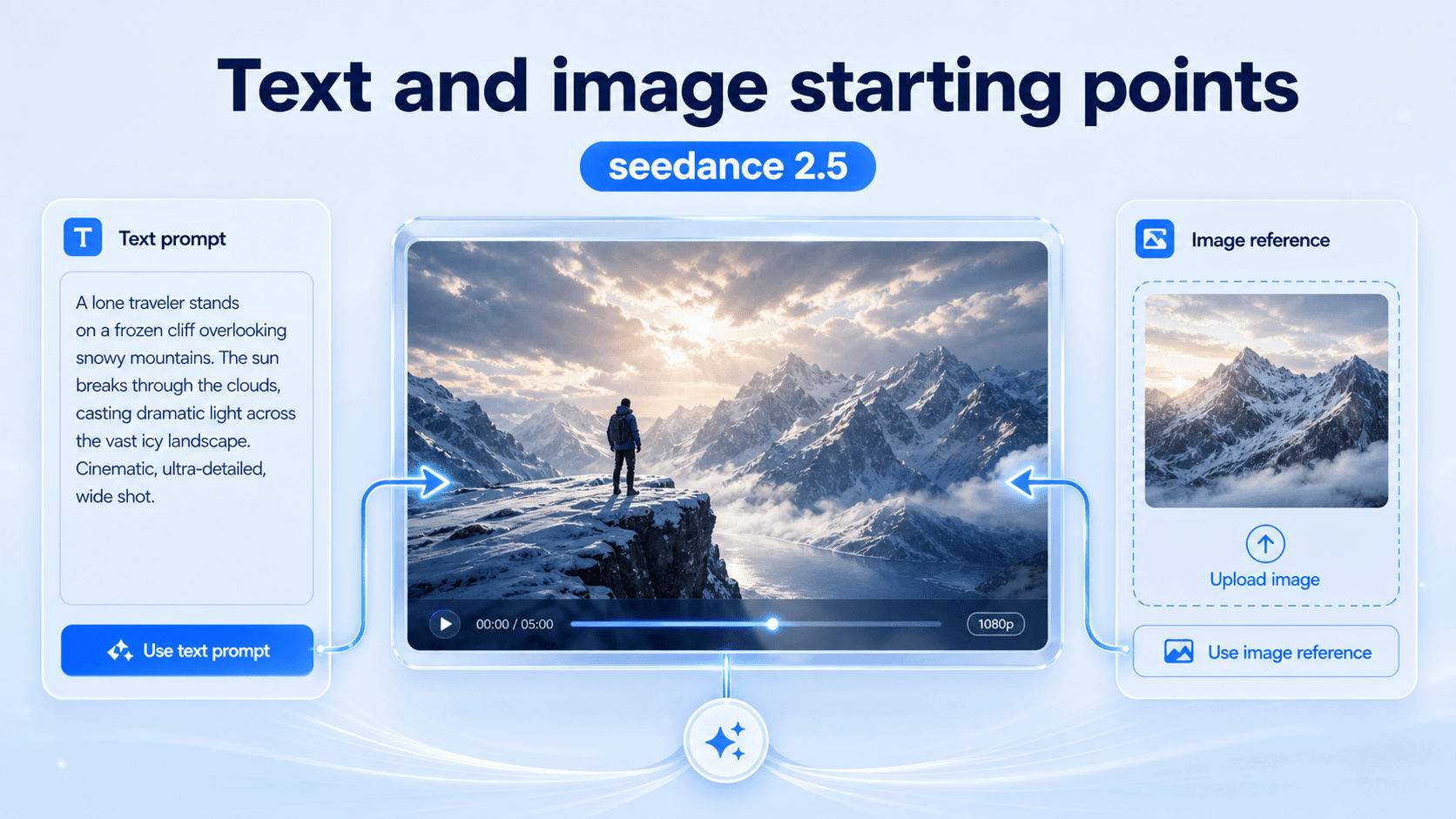
Start from text when the idea is conceptual. Start from an image when the look is already known. The same workspace supports both approaches, so creators can choose the clearest input for the job instead of forcing every idea into one method.
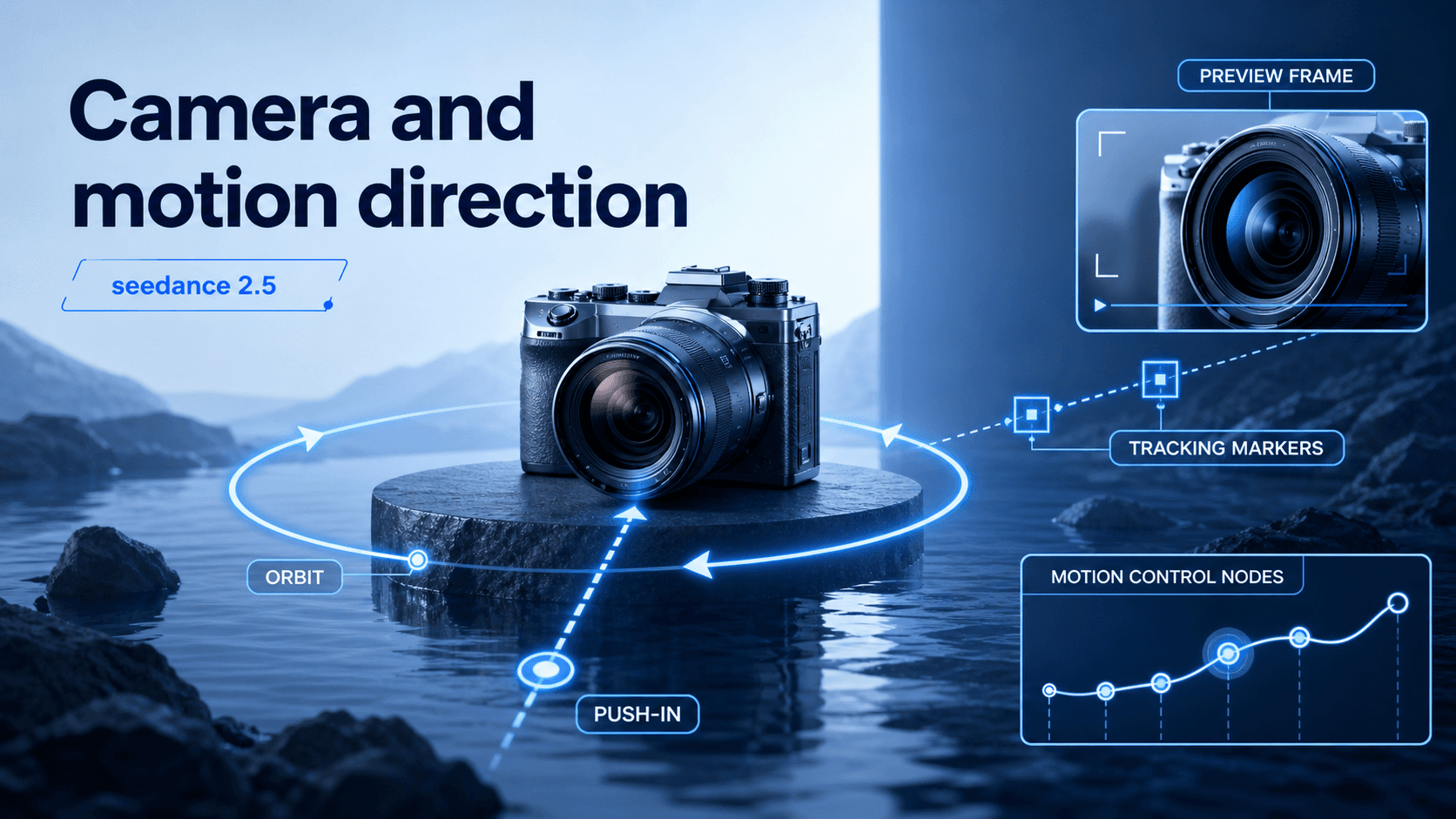
A strong prompt tells seedance 2.5 how the camera should behave: push in, orbit, track sideways, hold steady, or reveal a detail. Motion direction keeps the result closer to a planned shot and easier to evaluate afterward.
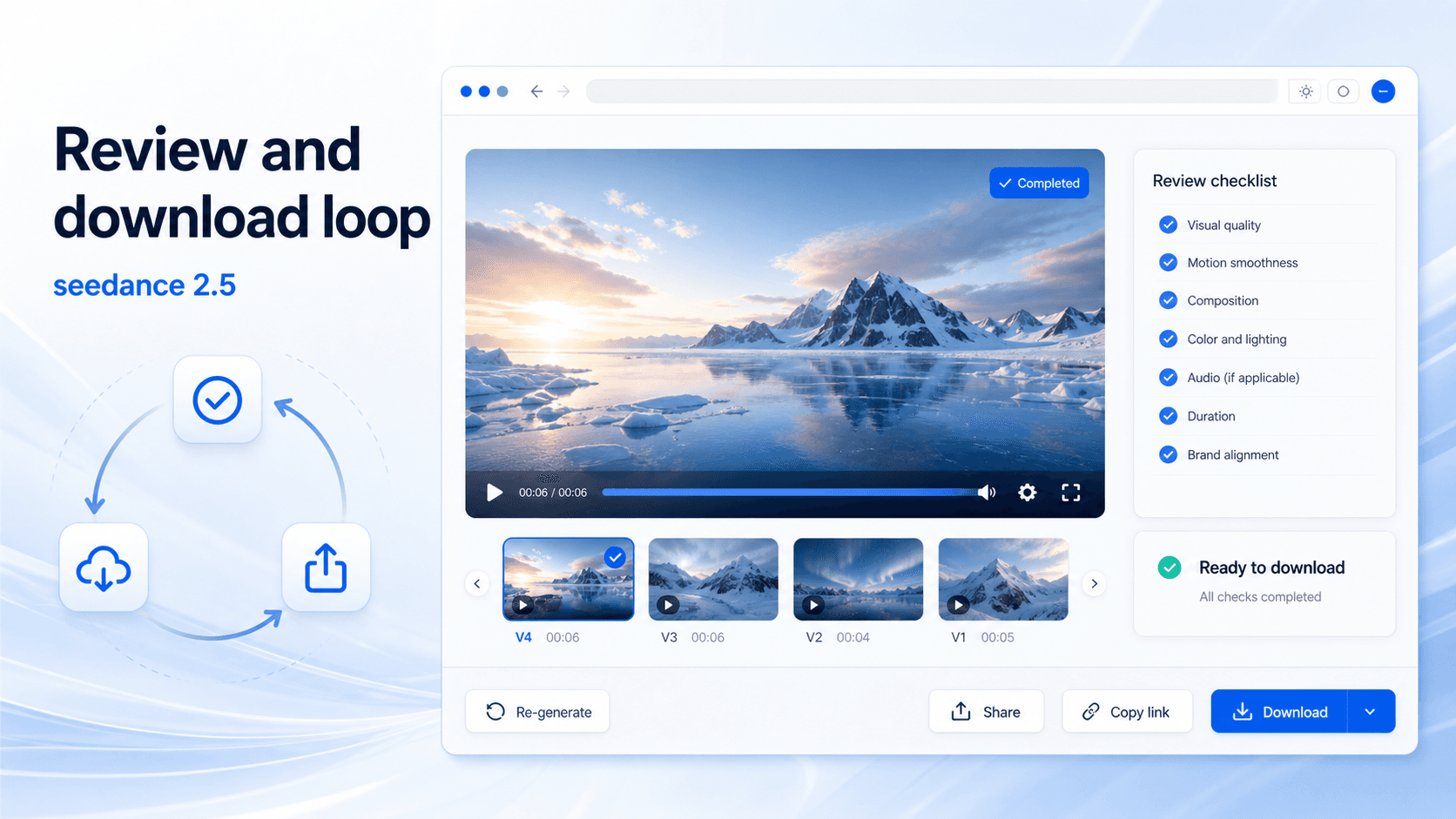
Generation is not the end of the workflow. Watch the clip, check continuity, compare it with recent history, then download or share only when the result fits the brief. A clean review loop makes repeated attempts more useful.
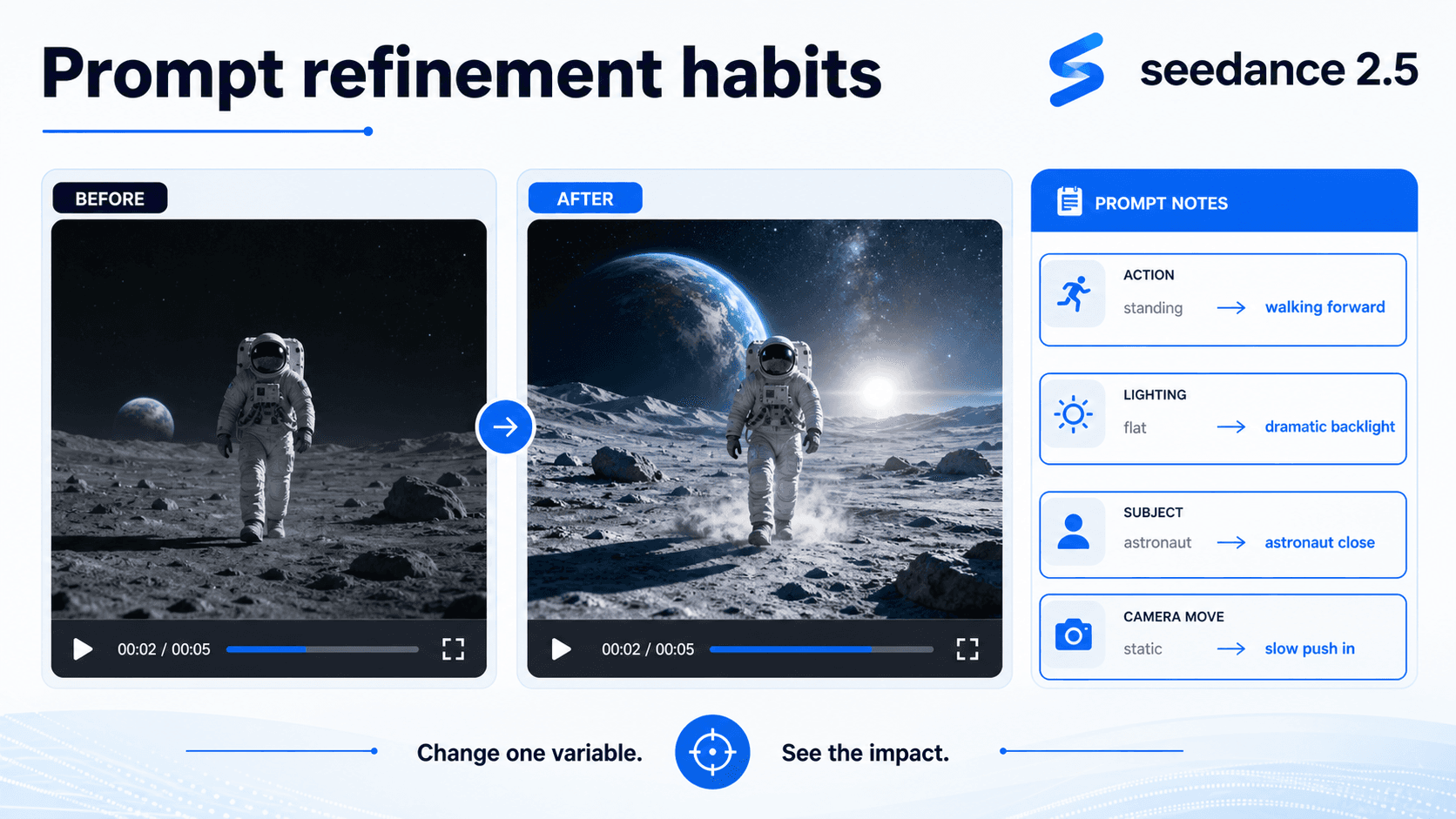
When a result misses, change one variable at a time. Tighten the action, adjust lighting, clarify the subject, or simplify the camera move. Small revisions teach you what seedance 2.5 responded to, which makes the next generation more deliberate.
Describe the subject, setting, action, mood, camera movement, and ending. A useful seedance 2.5 prompt reads like a short production note, not a pile of adjectives.
Upload an image when the product shape, character style, first frame, or visual palette needs to stay specific. References are most valuable when the final video must remain on brand or on character.
Pick the aspect ratio, resolution, duration, audio setting, and camera behavior for the intended channel. A social post, product page, and widescreen concept film should not start from the same framing decision.
Watch for continuity, prompt match, subject identity, motion, lighting, and usable ending frames. Keep the result when it meets the brief. If it misses, revise one part of the prompt or reference set and generate again.
This loop works best when teams keep notes on what changed between attempts. A small prompt adjustment can affect motion, framing, and mood at the same time, so naming the change helps everyone understand why one version is closer to the goal.
Try the loopProduct teams can use seedance 2.5 to test a launch teaser, lifestyle shot, or feature reveal before arranging a full production pass. A product image, palette note, and camera direction can turn a static item into a moving concept that is easier to judge with stakeholders.
Marketers can draft short campaign scenes for vertical, square, or wide placements. The value is not only the first generation; it is the ability to compare versions, decide what visual idea deserves polish, and move faster from rough concept to approved direction.
Filmmakers and previs artists can use seedance 2.5 to explore camera motion, blocking, mood, and scene transitions before a shoot or edit. A longer video draft gives more room to test pacing than a tiny loop.
Educators can turn a process, historical scene, or abstract idea into a visual draft. The output still needs review for accuracy, but the format can help explain motion, sequence, and cause-and-effect more clearly than a static slide.
Across all of these use cases, seedance 2.5 is most helpful before the final production decision. It gives teams a moving draft they can discuss: what the shot should show, what should change, which reference matters most, and whether the idea is ready for polish or should be rewritten.
Short prompt-only tools are useful for quick motion tests, but they often encourage shallow briefs. The creator writes a phrase, waits, and decides whether the clip is pleasing. seedance 2.5 asks for a more directed process: a scene arc, visual references, format choices, and a review pass that considers the full clip.
That difference matters when the video needs to carry a product, character, or story beat. A longer idea fails when identity drifts, lighting changes without reason, or the ending does not resolve. The best seedance 2.5 workflow treats generation as one part of a repeatable creative process: prepare, generate, inspect, revise, and publish only when the result matches the brief.
The comparison is not about making every prompt longer. It is about giving the model the right kind of information. A simple idea can still use a short brief, but a campaign scene, product reveal, or story test benefits from structure because there are more ways for the clip to drift away from the intended result.
Choose one-time credits or subscription - flexible billing options
seedance 2.5 is searched as an AI video model and creation workflow for longer, more directed video results. On this page, it is presented as a browser workspace for planning prompts, adding helpful references, choosing format controls, reviewing generated clips, and downloading finished results.
Yes. Start with a written scene when the idea is easiest to explain in language. Include subject, action, setting, camera movement, mood, and the ending you want the clip to reach.
Yes. Add an image when the visual target matters, such as a product, character, first frame, or style reference. The image helps define what words may not describe precisely.
Write a full scene brief, use references only when they add clarity, choose the right format before generation, and review the whole clip. If the result misses, revise one variable at a time.
It can fit all three when the brief is prepared well. Ads need a clear product or offer moment, stories need pacing and continuity, and explainers need accurate sequence and visual clarity.
No installation is required for the page experience. Open the generator, write the prompt, add an optional image, choose controls, and review the generated result in the browser.
A better generation starts before you press the button. Decide the scene arc, choose the references that matter, set the format for the channel, and review the clip against the same brief. Use seedance 2.5 when the idea deserves a more deliberate video draft.
Create a seedance 2.5 video